Since 2013

About OnlinePCApps

We build browser-based file tools, so opening, converting or reading a file never means installing software, creating an account or sending it to a server you do not control.

13 Years Experience 110+ Free Tools 0 Files Uploaded Built by File Format Experts
The OnlinePCApps team
2013
Founded
110+
Free Tools
54
Email Converters
22
File Viewers
Our Story

How OnlinePCApps Started

OnlinePCApps is a browser-based file tools company founded in 2013, growing out of a desktop email migration and file conversion business. Every format the team touched back then had to be parsed at the structural level, since no library existed yet to do it for us.

As browsers grew capable enough to parse files, decode attachments and render documents without a server in the middle, we moved that same engineering into the browser itself. The desktop roots did not go away. They became the foundation the free tools are built on.

Today OnlinePCApps serves IT administrators, legal and digital forensics teams and developers who need a file opened, converted or inspected without installing anything or trusting a third-party upload, whether that file is an EML message, a PDF or a JPEG image.


13
Years in operation
110+
Tools shipped
0
Files stored on our side
2013
Desktop software roots
Meet the Team

Some of the Engineers Building OnlinePCApps

The research and engineering group behind every tool on the site, by name.

Robert Smith, OnlinePCApps team

Robert Smith

Senior File Format Engineer

Olivia Grace Taylor, OnlinePCApps team

Olivia Grace Taylor

Systems Programmer

Melokuhle, OnlinePCApps team

Melokuhle

Browser Engineer

Where the Expertise Comes From

File Format Engineering, Not Guesswork

A file only opens correctly if the tool that reads it follows the same specification the file was written against. That is the discipline behind every OnlinePCApps tool.

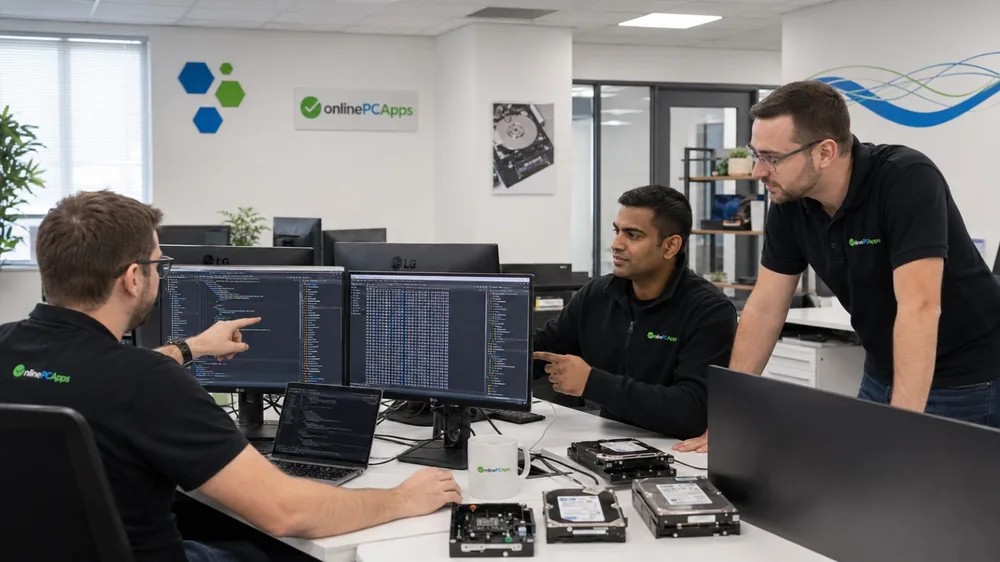
Following a specification precisely means going past what an ordinary viewer shows. When a tool needs to handle a file correctly, that means reading the raw bytes in a hex editor and examining the underlying file system in a disk explorer, catching the edge cases a surface-level look would miss.

Hex Editors
Disk Explorers
Our Method

How Our Engineers Read a File

Reading the specification is the starting point for every tool OnlinePCApps ships. Understanding what a file actually looks like on disk, not just how it renders, is where the real engineering happens.

Computer Science Foundations

Every engineer has a formal computer science background, with the systems programming experience needed to work directly with memory, byte streams and low-level file structures rather than only high-level libraries.

Hex Editors

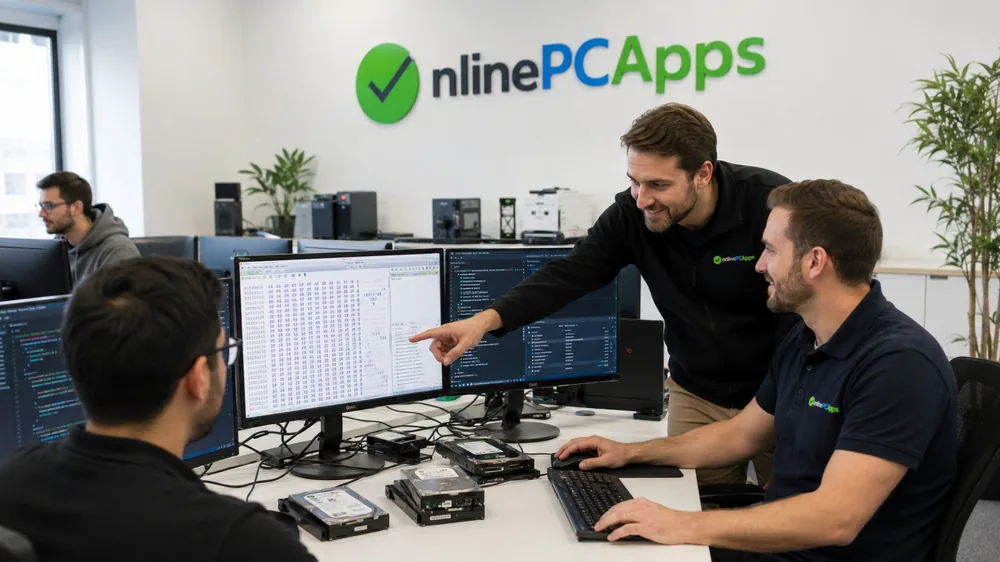
Before a format handler ships, its output is checked byte by byte in a hex editor against what the specification says should be there. That is how encoding edge cases and malformed headers get caught before they reach a live tool.

Disk and Forensic Explorers

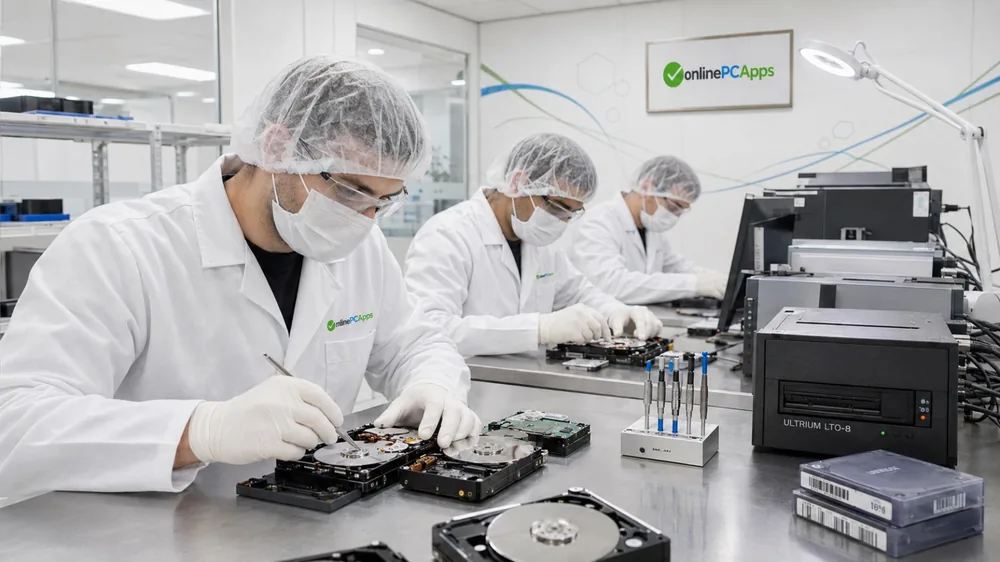
Real files do not always arrive clean. Disk and forensic explorer tools show how a file system actually stores and fragments data, which is the difference between a tool that reads a textbook example and one that reads what an old mailbox or a used hard drive actually hands you.

It is the same discipline the desktop software started with in 2013, now aimed at whatever file format or browser sits in front of it.

Inside OnlinePCApps

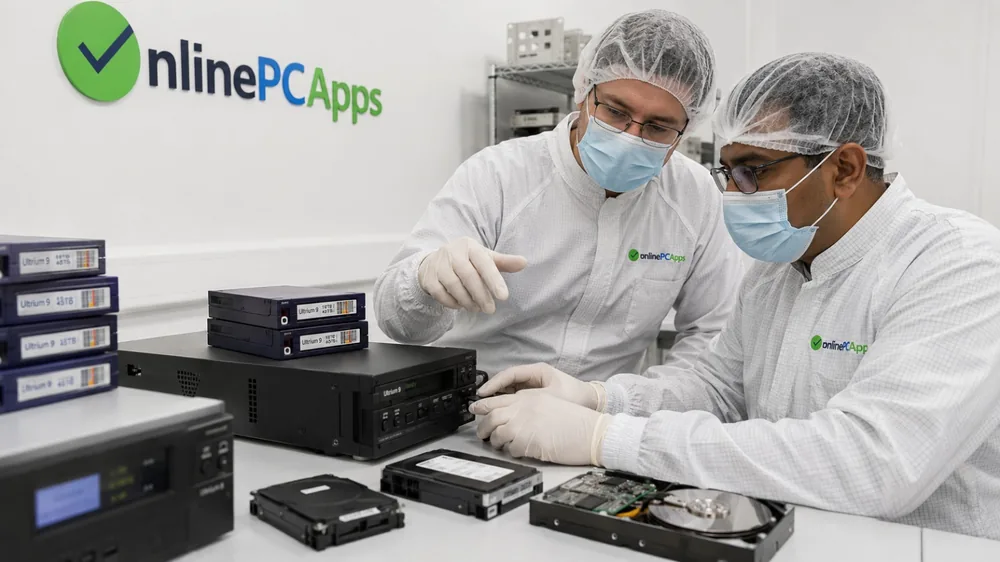
Where the Work Actually Happens

Browser tools on one side, hands-on hardware and forensic recovery work on the other, both built by the same team.

How We Work

Your File Never Reaches Our Servers

This is specific to the free browser tools. The hardware recovery work shown above is a separate, hands-on service, and handling a physical drive obviously means handling it directly.

Most online file tools upload your file, process it on a server and send back a result. We built the browser tools the other way. Every free tool runs the conversion, parsing or edit inside your own browser using plain JavaScript, the FileReader API and the Canvas API, so the file itself is never transmitted anywhere.

That is not a policy we ask you to trust. It is an architecture you can verify yourself by opening your browser's developer tools and watching the network tab while you use any tool on the site, in Chrome, Firefox, Edge or Safari alike.

0
Files uploaded
0
Accounts required
0
Files stored
110+
Tools built this way
Our Vision

To Provide the Best Online Solutions for Everyday File Problems, So a Browser Tab Is Always Enough.

No Installing

A task that takes thirty seconds should not need software on your machine.

No Account

A file you will open once should not require creating a profile first.

No Upload

Where a browser can do the work instead, nothing leaves your device.

When a browser genuinely cannot do the job, we say so and point to the desktop option, rather than force a browser to do work it was never built for.

See What 13 Years of File Format Work Looks Like

110+ tools, all running in your browser, all free to try right now.

Explore All Tools Free, no account Contact the Team We read every message