Browser File Tools You Can Verify, Not Just Trust
OnlinePCApps is a browser-based file toolkit that has run conversion, viewing and backup work on your own device since 2013. Here is the evidence behind that, including the parts that do not flatter us.
Privacy Here Is Structural, Not a Promise
Most tools ask you to trust a policy. This one removes the server that the policy would govern.
A conventional online converter posts your file to a server, runs the job there and hands back a download. Everything after the upload depends on somebody honouring a retention policy you cannot inspect.
Our tools compile the conversion logic to WebAssembly and run it inside the page. The file is read from disk by the browser, held in memory on your machine and written back out from there. There is no endpoint that receives it, which is a different kind of guarantee to a promise that an endpoint will behave.
The chain is ordinary browser machinery. JavaScript and WebAssembly do the parsing, the FileReader API opens the file from disk, Web Workers keep large jobs off the main thread, the Canvas API handles image work and the Web Crypto API covers hashing and AES encryption. Not one of those steps is a network call.
You do not have to believe any of this. Open your browser developer tools, switch to the network panel and run a file through any tool here. Nothing carrying your data leaves the page.
The Team Behind Every Tool on the Site
The engineers who write the format parsers behind these tools.
 Robert Smith
Senior File Format Engineer
Email and MIME
Robert Smith
Senior File Format Engineer
Email and MIME
 Olivia Grace Taylor
Systems Programmer
PDF and Disk Structure
Olivia Grace Taylor
Systems Programmer
PDF and Disk Structure
 Melokuhle
Browser Engineer
Image and Codecs
Melokuhle
Browser Engineer
Image and Codecs
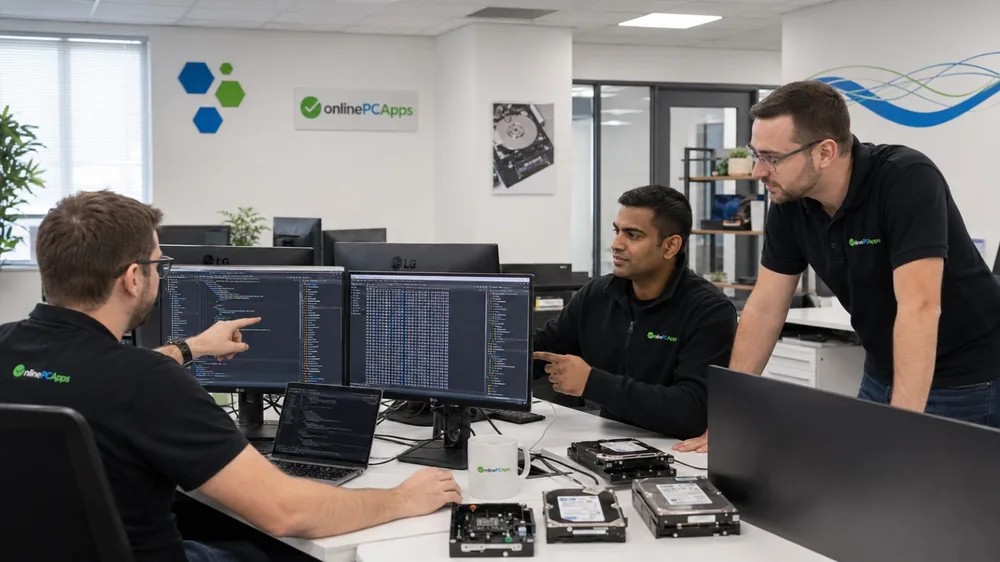
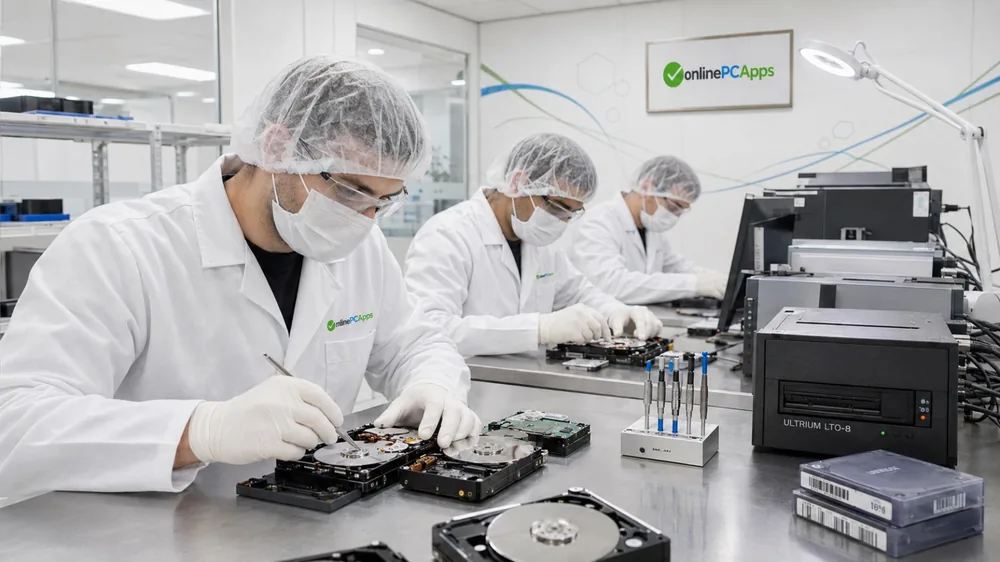
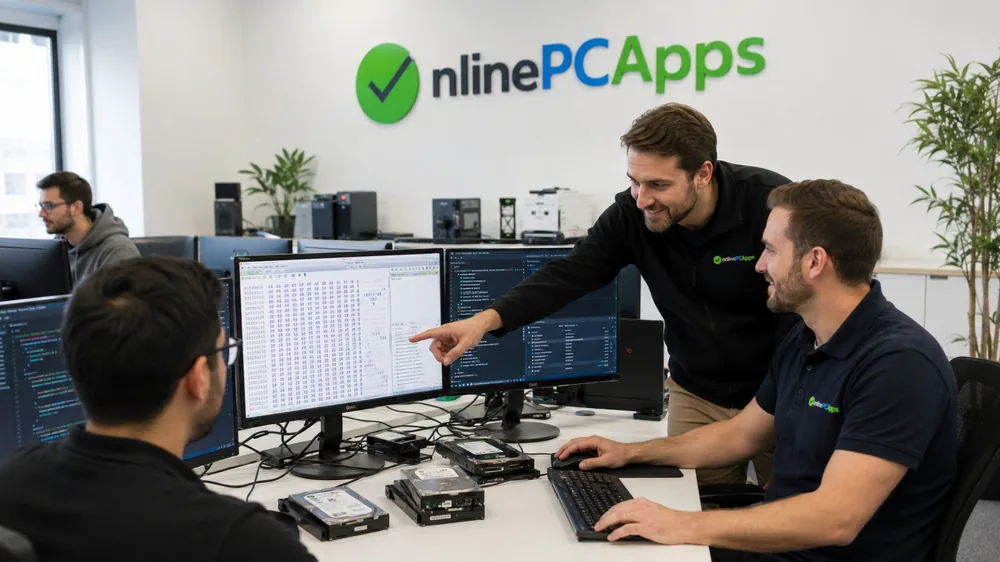
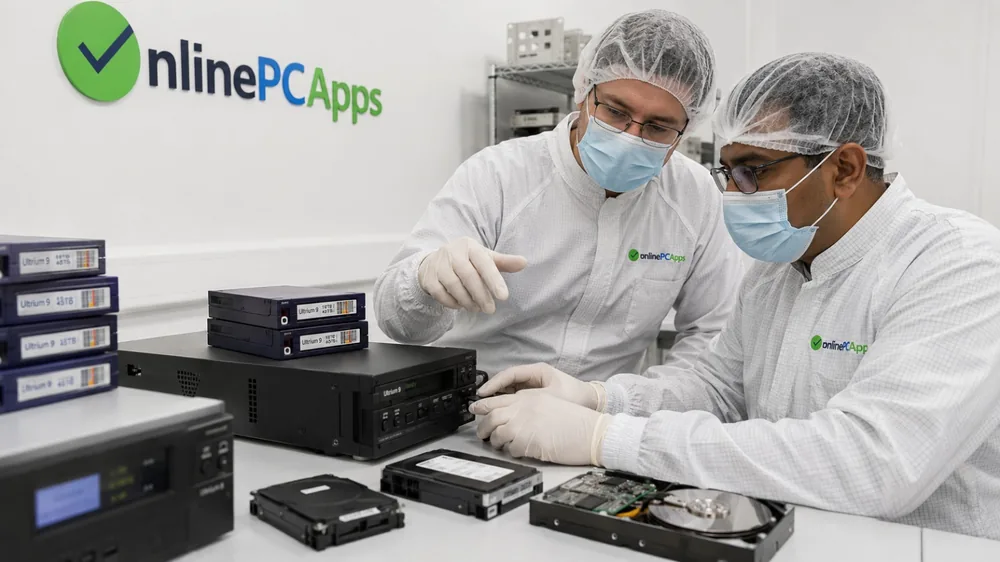
Inside the Office and the Recovery Lab
Two offices, a drive recovery lab and the equipment the format knowledge came from.

We Implement Published Standards, Not Guesses
Mail formats are specified in public documents. Reading them properly is most of the work.
Each link opens the specification itself at the RFC Editor. We would rather you check our reading of them than take our word for it.
Who Is Accountable for These File Tools
Plenty of file tools are anonymous. Here is who is behind this one and where to find them.
What Browser Tools Are Genuinely Bad At
Running in a tab is right most of the time. These are the times it is not.
Four Commitments Behind Every Free Tool
Stated plainly so you can hold us to them.
Try the File Tools for Yourself
The argument above is only worth something if the tools hold up.